
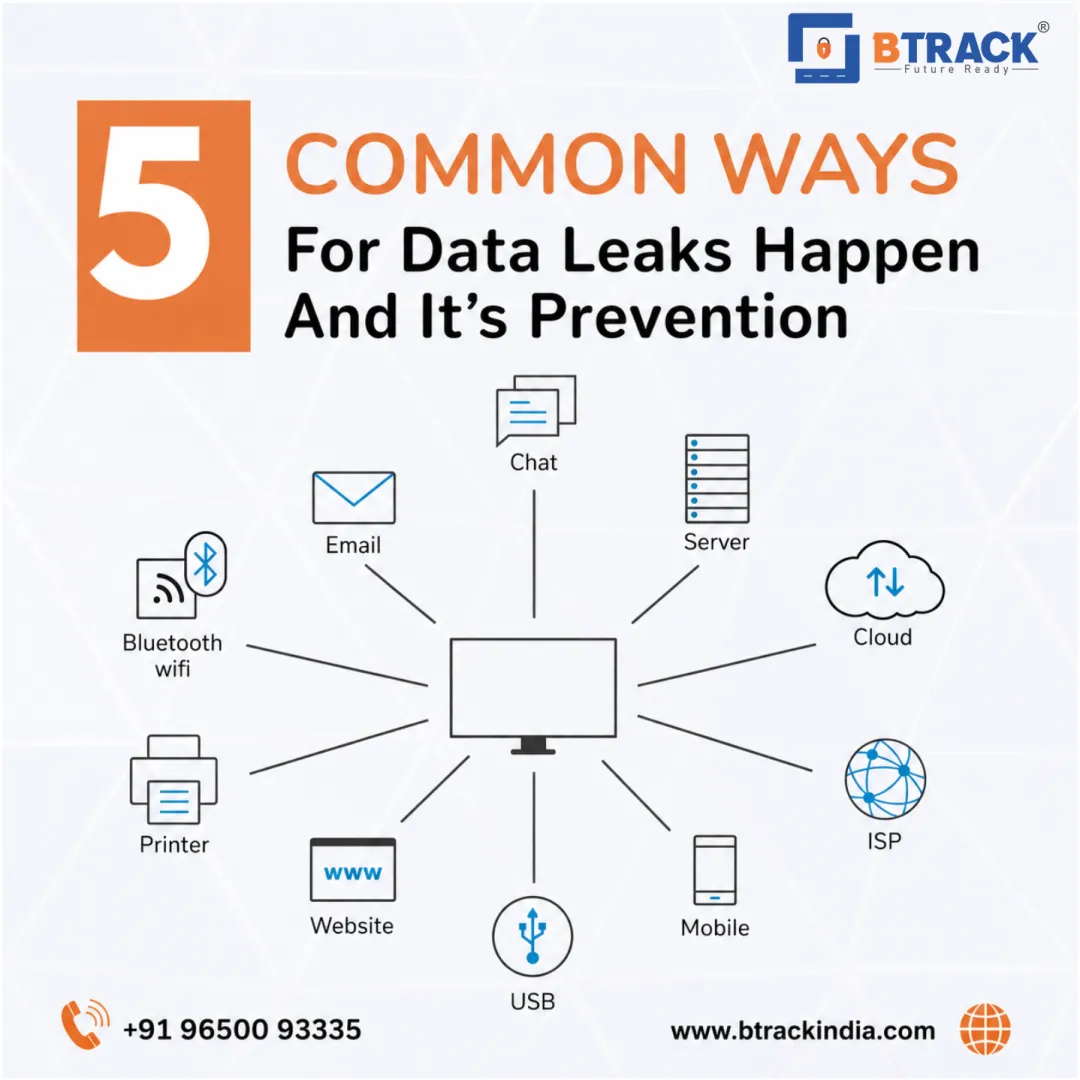
5 Common Ways Data Leaks Happen ??? And How to Prevent Them
In today's digital world, data is a priceless asset, and its loss can carry immense consequences, from crippling financial damage to irreparable reputational harm. A data leak is the unauthorized exposure of sensitive information, often due to an oversight or carelessness, rather than a malicious external attack (though the line is often blurred).
Understanding the most frequent causes is the first, most critical step in building a robust defense.
1. The Human Element: Social Engineering Attacks The Leak: Exploiting Trust, Not Technology
The most sophisticated security systems can be utterly bypassed by a simple manipulation of an employee. Social engineering is a psychological attack where cybercriminals trick individuals into divulging confidential information or granting access. The most common form is Phishing, where attackers send deceptive communications (often email) masquerading as a trusted entity"like a manager, IT support, or a respected vendor.
These attacks often create a sense of urgency or authority to bypass critical thinking. For example, an email claiming an account will be deactivated in minutes unless you click a link and "verify" your credentials. Once credentials are stolen, the attacker has the keys to your system.
The Prevention: Fortify Your Human Firewall
- Mandatory, Regular Training: Employees must be taught how to spot the signs: check the sender's full email address (not just the display name), hover over links to see the true URL, and be suspicious of urgent, unexpected requests for login details or sensitive data.
- Simulated Phishing: Run internal phishing campaigns to test and reinforce staff awareness in a controlled environment.
- Multi-Factor Authentication (MFA): This is your strongest defense against stolen credentials. Even if an attacker has a password, they are blocked without the second verification factor (like a code from an app or text message).
2. Weak, Reused, and Stolen Credentials The Leak: The Door Left Ajar
Approximately 80% of data breaches involve compromised passwords. This vulnerability is not just about a single weak password like "Password123." It's magnified by two critical issues:
- Password Reuse: When a user uses the same password for their work account and a personal, less-secure website, the compromise of the personal site instantly exposes the corporate account (a technique known as Credential Stuffing).
- Lack of Complexity: Easy-to-guess passwords can be cracked quickly by automated tools (brute-force attacks).
The Prevention: Enforce Strong Policy
- Strong Password Policy: Mandate passwords that are long (at least 12-16 characters) and use a mix of uppercase letters, lowercase letters, numbers, and symbols.
- Password Managers: Encourage or require the use of a secure password manager. These tools generate complex, unique passwords for every site and store them in an encrypted vault, eliminating the risk of reuse.
- Implement MFA: Again, MFA is non-negotiable for all sensitive accounts and systems.
3. Configuration and Patch Management Failures The Leak: Systemic Oversights
Not all leaks come from the malicious exploitation of a flaw; often, they result from a simple technical error that leaves data unintentionally exposed. This category includes two major systemic risks:
- Misconfigurations: Improperly set up cloud storage buckets, open database ports, or default administrator settings that are never changed can be automatically scanned and accessed by external actors.
- Unpatched Vulnerabilities: Software and operating system vendors regularly release security updates (patches) to fix known flaws. Attackers actively look for systems running old software with known vulnerabilities. Failing to apply these patches in a timely manner leaves a gaping hole that an attacker simply walks through.
The Prevention: Diligence and Automation
- Regular Audits: Perform continuous audits, especially on cloud resources (like storage or virtual machines), to ensure default settings are not exposing data to the public internet.
- Automated Patch Management: Implement a rigorous, automated system to ensure all operating systems, applications, and network devices are updated immediately upon the release of a critical security patch.
- Decommission Old Data: Regularly review and securely delete old, unnecessary data that is past its retention requirement. Less data means less risk.
4. Insider Threats (Malicious and Accidental) The Leak: The Trusted Source
The most difficult leaks to detect are those caused by an insider"an employee, contractor, or partner. Insider threats fall into two main types:
- Accidental: A negligent employee emails a spreadsheet with sensitive client data to the wrong external recipient, stores confidential files on a personal, unsecured device, or loses a company-issued laptop.
- Malicious: A disgruntled or greedy employee deliberately steals, leaks, or destroys data, often by exporting a customer list or intellectual property before leaving the organization.
The Prevention: The Principle of Least Privilege
- Principle of Least Privilege (PoLP): This is a core security tenet. Users should only be granted the absolute minimum level of access and permissions necessary to perform their job duties"no more. This limits the "blast radius" of any compromised or malicious account.
- User Behavior Monitoring: Implement tools to monitor for unusual activity, such as an employee accessing or downloading massive amounts of data outside of their usual working hours or role.
- Data Loss Prevention (DLP) Tools: DLP solutions can automatically identify, monitor, and protect sensitive information in use, in motion, and at rest, preventing it from being emailed, uploaded, or copied to unauthorized locations.
5. Malware Infection and Endpoint Compromise The Leak: The Silent Saboteur
Malware (malicious software), including viruses, spyware, and ransomware, is designed to steal data or hold it hostage. An infection often begins with a successful phishing attack (see point 1) or by exploiting an unpatched vulnerability (see point 3).
Once inside, malware can use a keylogger to record every keystroke (stealing passwords), or it can encrypt all files on a network and demand a ransom, effectively leaking data through extortion. The infected device"the endpoint"becomes a bridgehead for attackers to move deeper into the network.
The Prevention: Layered Technical Defenses
- Advanced Endpoint Detection and Response (EDR): Go beyond basic antivirus. EDR tools provide real-time continuous monitoring, recording activity on the device and responding automatically to suspicious behavior to contain a threat before it spreads.
- Network Segmentation: Divide the network into smaller, isolated zones. If one device is infected, the malware cannot easily "jump" to other, more sensitive areas of the network.
- Regular, Encrypted Backups: A robust backup and recovery strategy ensures that if data is encrypted by ransomware, you can restore your systems without having to pay the attackers. Ensure backups are stored offline or in a separate, segmented cloud environment to prevent them from being infected, too.
"? Conclusion: Security is a Shared Responsibility
Data leaks are a complex problem, but the solution always comes down to two pillars: Technology and People. You need advanced security tools, strict access controls, and automated patching, but none of these will fully protect you if your employees are not vigilant.
By focusing on these five common vulnerabilities and proactively implementing layered defenses"especially Multi-Factor Authentication and Security Awareness Training"any organization can significantly reduce its exposure and protect its most valuable digital assets.