
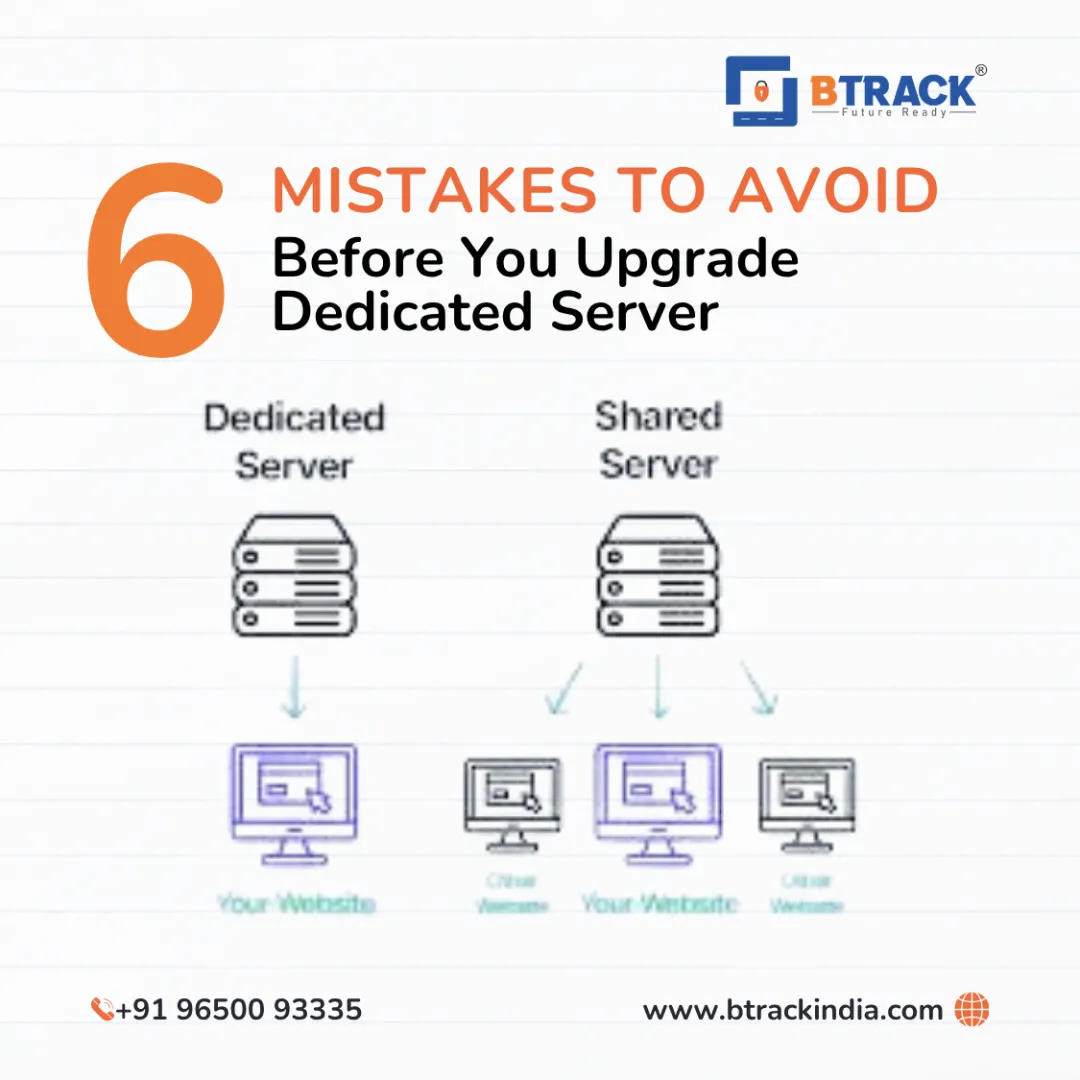
The Dedicated Server Trap: 6 Mistakes to Avoid Before You Upgrade
Upgrading to a dedicated server is a significant milestone in the lifecycle of any digital business. It signals growth: your traffic is surging, your database is expanding, and your resource needs have officially outgrown the "noisy neighbor" environment of Shared Hosting or the limitations of a standard VPS.
Having an entire physical server dedicated to your operations offers unparalleled control, security, and raw power. However, with great power comes great responsibility—and a higher price tag.
Choosing the wrong dedicated server configuration is not just a technical inconvenience; it is a financial drain that can lead to downtime, security breaches, and performance bottlenecks. Before you sign that contract, ensure you aren't walking into a trap.
Here are the 6 critical mistakes to avoid before choosing a dedicated server.
1. Underestimating (or Overestimating) Hardware Requirements
The most common error is a fundamental mismatch between the workload and the hardware.
The Mistake: Many business owners blindly pick a server based on budget rather than technical specs.
The Consequence: If you undercut your specs (e.g., choosing an older HDD instead of an NVMe SSD, or insufficient RAM), your high-traffic site will crawl, defeating the purpose of the upgrade. Conversely, paying for a dual-processor monster with 128GB of RAM for a simple web app is burning money that could be spent on marketing.
The Solution:
Analyze your current resource usage. Look at your CPU load averages and RAM utilisation during peak hours on your current host.
CPU: Do you need high clock speed (for single-threaded apps like some game servers) or high core count (for virtualization and databases)?
Storage: Always prioritize NVMe SSDs over SATA SSDs or spinning HDDs for the operating system and databases. The I/O speed difference is massive.
2. Confusing "Unmanaged" with "Managed" Hosting
This is the mistake that causes the most headaches for non-technical business owners.
The Mistake: You choose the cheaper "Unmanaged" option assuming support will still help you fix software issues.
The Consequence: With an unmanaged server, the host is only responsible for the hardware, power, and network. If your Apache server crashes, your PHP version is outdated, or you get hacked, you are on your own. If you do not have a systems administrator on your payroll, an unmanaged server is a disaster waiting to happen.
The Solution:
Be honest about your technical capability.
Choose Unmanaged only if you are comfortable using the command line (SSH), configuring firewalls, and patching the OS yourself.
Choose Managed if you want the host to handle updates, security patches, and control panel issues (like cPanel/WHM or Plesk).
3. Overlooking Bandwidth and Uplink Port Speed
A powerful engine is useless if you are driving on a dirt road. In server terms, the "engine" is your CPU, and the "road" is your network connection.
The Mistake: Ignoring the bandwidth limit or the uplink port speed.
The Consequence: You might have a 10TB bandwidth cap. If you run a media-heavy site or a streaming service, you could hit that cap in two weeks, resulting in exorbitant overage fees or throttled speeds. Furthermore, a 100Mbps uplink port is a bottleneck in the modern era.
The Solution:
Port Speed: Ensure the server comes with at least a 1Gbps (Gigabit) uplink port. This ensures your server can handle sudden spikes in traffic without choking.
Traffic Policy: Look for "Unmetered Bandwidth" if you push heavy data, or calculate your exact monthly transfer needs and add a 20% buffer.
4. Neglecting Security and DDoS Protection
When you move from shared hosting to dedicated, you lose the "herd immunity" provided by the shared environment's security protocols. You are now a standalone target.
The Mistake: Assuming the hosting provider handles all security by default.
The Consequence: Dedicated servers are prime targets for brute-force attacks and ransomware. Without proactive security, a Distributed Denial of Service (DDoS) attack can take your business offline for days.
The Solution:
DDoS Protection: strict requirement. Ask the provider if they offer hardware-level anti-DDoS protection included in the price.
Access: Ensure you can restrict access via IP whitelisting or VPNs.
Soft Security: If you aren't tech-savvy, ensure your managed plan includes malware scanning and automated firewall configuration.
5. Treating RAID as a Backup Strategy
Data redundancy is not the same as data backup, yet this is a misconception that destroys businesses.
The Mistake: Thinking, "I have RAID 1 (Mirroring), so if a drive fails, I'm safe. I don't need external backups."
The Consequence: RAID (Redundant Array of Independent Disks) protects you against hardware failure. It does not protect you against file corruption, accidental deletion, ransomware, or a fire in the data center. If you accidentally delete your database on a RAID 1 setup, the system instantly deletes it from the mirror drive too.
The Solution:
Use RAID for Uptime: Use RAID 1 or RAID 10 to keep the server running if a disk dies.
Use Backups for Recovery: Invest in an automated remote backup solution that stores your data off-site (in a different physical location).
6. Ignoring Scalability and Upgrade Paths
Dedicated servers are physical machines. Unlike Cloud VPS, you cannot just click a button to instantly double your RAM without downtime.
The Mistake: Buying a server that is "just enough" for today with zero room to grow.
The Consequence: When you need to upgrade RAM or add a second hard drive, the technician has to physically shut down your server to install the hardware. This means planned downtime. Worse, some server chassis have limited slots—if you max out the RAM slots now, you might have to migrate to an entirely new server later (a complex and risky process).
The Solution:
Check Expansion Slots: Ask the sales team: "If I need more RAM in 6 months, is there an empty slot, or do I have to replace the existing sticks?"
Plan for Growth: Buy a server with specifications that can handle your projected growth for the next 12 to 18 months, not just for today.
Final Thoughts
Choosing a dedicated server is a commitment. It requires a shift in mindset from "renting space" to "managing infrastructure." By avoiding these seven mistakes"prioritizing the right hardware, understanding management levels, securing your network, and planning for disasters"you ensure that your server becomes the solid foundation your business needs to scale, rather than a bottleneck that holds you back.